
A server is essential in a company for managing data, resources, and applications.
There are different types of servers, such as web, database, email, and file servers. These servers have hardware designed to handle heavy workloads and are supported by specific operating systems and software.
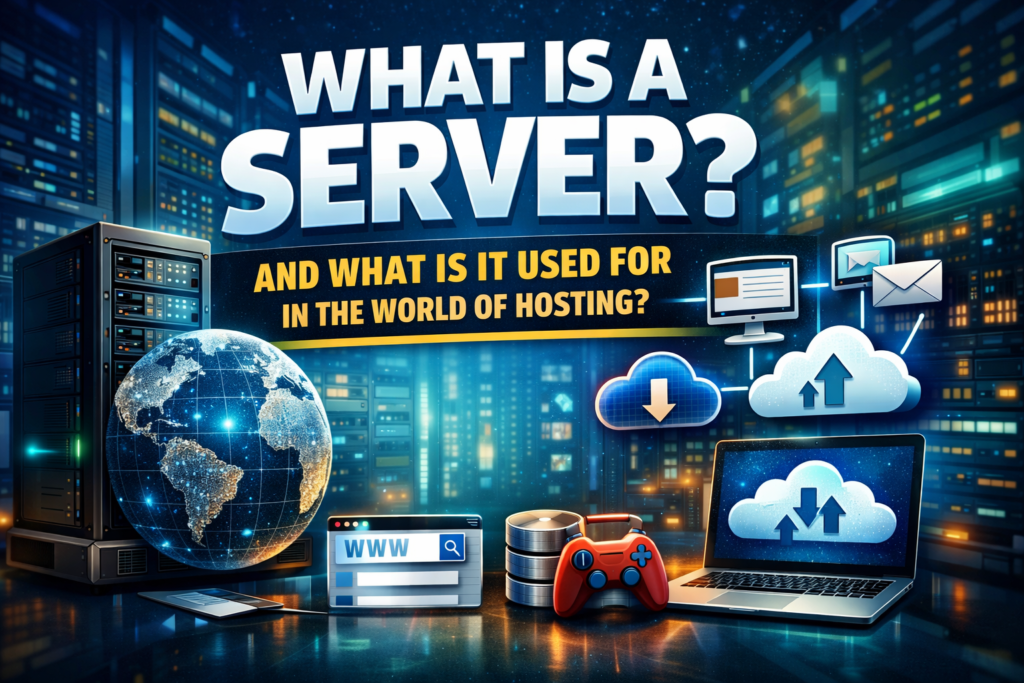
Implementing a server in a company centralizes management, facilitates backups, and enables remote access and device sharing.
Servers are essential for improving security, accessibility, and collaboration among users.
What is a server, and what is it used for?
Servers are fundamental elements in a company’s technological infrastructure. Their main function is the efficient management of data, resources, and applications. They act as intermediaries between users and devices connected to the network, enabling the secure and efficient distribution of and access to information.
Importance of servers in a company
Servers play a crucial role in the operation of a business. They allow for the centralized and organized management of users, passwords, and shared devices. Furthermore, they facilitate backups, ensuring data integrity and availability.
Servers enable remote access, which means greater flexibility and productivity for employees.
Types of servers
The following are the different types of servers used in the business world:
Web server
The web server is responsible for providing web hosting services for websites and online applications. It manages client requests and sends them the corresponding responses. This is known as web hosting.
A web server uses protocols such as HTTP and HTTPS to communicate with web browsers and deliver the requested content quickly and securely.
Database server
The database server is where large amounts of structured information are stored and accessed through queries. It provides a secure environment for the efficient storage, management, and retrieval of data.
Its functions include ensuring data integrity and providing concurrent access to authorized users.
Email servers
Email servers enable the exchange of electronic messages between users over a network. They manage the storage and delivery of emails, as well as user authentication and protection against spam and viruses.
Access can be through protocols such as POP3, IMAP, and SMTP.
File server
The file server is responsible for storing and sharing files on a computer network. It provides a centralized location for users to access documents, images, videos, and other shared resources. It also allows for the application of access policies and version control to maintain file integrity and security.
3. Server hardware
Server infrastructure
Servers are characterized by their infrastructure designed to support heavy workloads and always be available.
These devices feature specific components such as RAID systems, redundant power supplies, external storage, and multiple network cards.
Server form factors: tower, rack, and blade
There are different server formats that adapt to the needs of companies.
Tower servers are compact and easy to manage, ideal for small businesses or environments with limited space.
Rack servers, on the other hand, are mounted in a rack or frame, allowing for better use of space and facilitating administration and cooling.
Blade servers are even more compact and can be installed in a modular unit, offering high processing density.
Server software
Server operating systems
Servers use operating systems specifically designed for their function. These include Windows Server and various Linux distributions, such as Ubuntu Server or CentOS.
These operating systems offer tools and functionalities geared towards network and resource management, allowing for efficient server management.
On the other hand, they provide advanced security measures and stability to ensure the proper functioning of the services.
Server creation with specific software
In addition to using server operating systems, it’s possible to create different types of servers using specific software. For example, a conventional server can be used with software like Apache HTTP Server to create a web server.
Similarly, dedicated software such as Microsoft Exchange Server can be used to implement an email server.
These solutions provide specialized tools and customizable configurations to meet the specific needs of each type of server.
Server implementation in the company
Factors to consider
Before implementing a server in a company’s infrastructure, it is important to consider several factors.
First, it is necessary to assess the number of users who will use the server and the specific needs of each one.
In addition, the storage capacity required for the data and applications to be managed on the server must be considered.
Another relevant factor is the server’s processing capacity and performance, to ensure that it can efficiently handle the company’s workloads.
It is also essential to consider security, implementing appropriate measures to protect data and ensure compliance with current regulations.
Finally, it is essential to evaluate the available budget and the costs associated with the implementation and maintenance of the server.
Server utility
Centralization of management
Servers play a fundamental role in centralizing the management of a business network. They allow for complete control over users and passwords, facilitating access management and information security.
By centralizing resources and applications on a server, administration is simplified, and duplication is avoided, resulting in greater efficiency in network management.
Facilitating backups
Servers are also crucial for performing secure and reliable backups.
Having a dedicated server for data management and storage allows for the scheduling and automation of regular backups without interrupting network operations. This ensures the protection of business information against potential failures or data loss.
Remote access and device sharing
Thanks to servers, it’s possible to enable remote access to corporate network resources and applications. This allows employees to work from any location at any time, increasing flexibility and productivity.
Servers also facilitate the sharing of devices, such as printers and scanners, which streamlines collaboration and information sharing among members of the organization.